Minecraft Java 26.1.2 · Fabric and NeoForge
RingWorld
The Overworld is a finite ring. Walk all the way around it and you arrive back at the same blocks from the other side.
Try it online
Download the mod, then join the test server.
The server is at andwhatnotstudio.com:25565. It runs NeoForge, so you will need the NeoForge 1.0 build to connect.
RingWorld 1.0 requires Minecraft Java 26.1.2 and Java 25. Fabric also requires Fabric API. Install RingWorld on the server and every connecting client; do not install the Fabric and NeoForge files together. MPL-2.0 licence · Report a problem
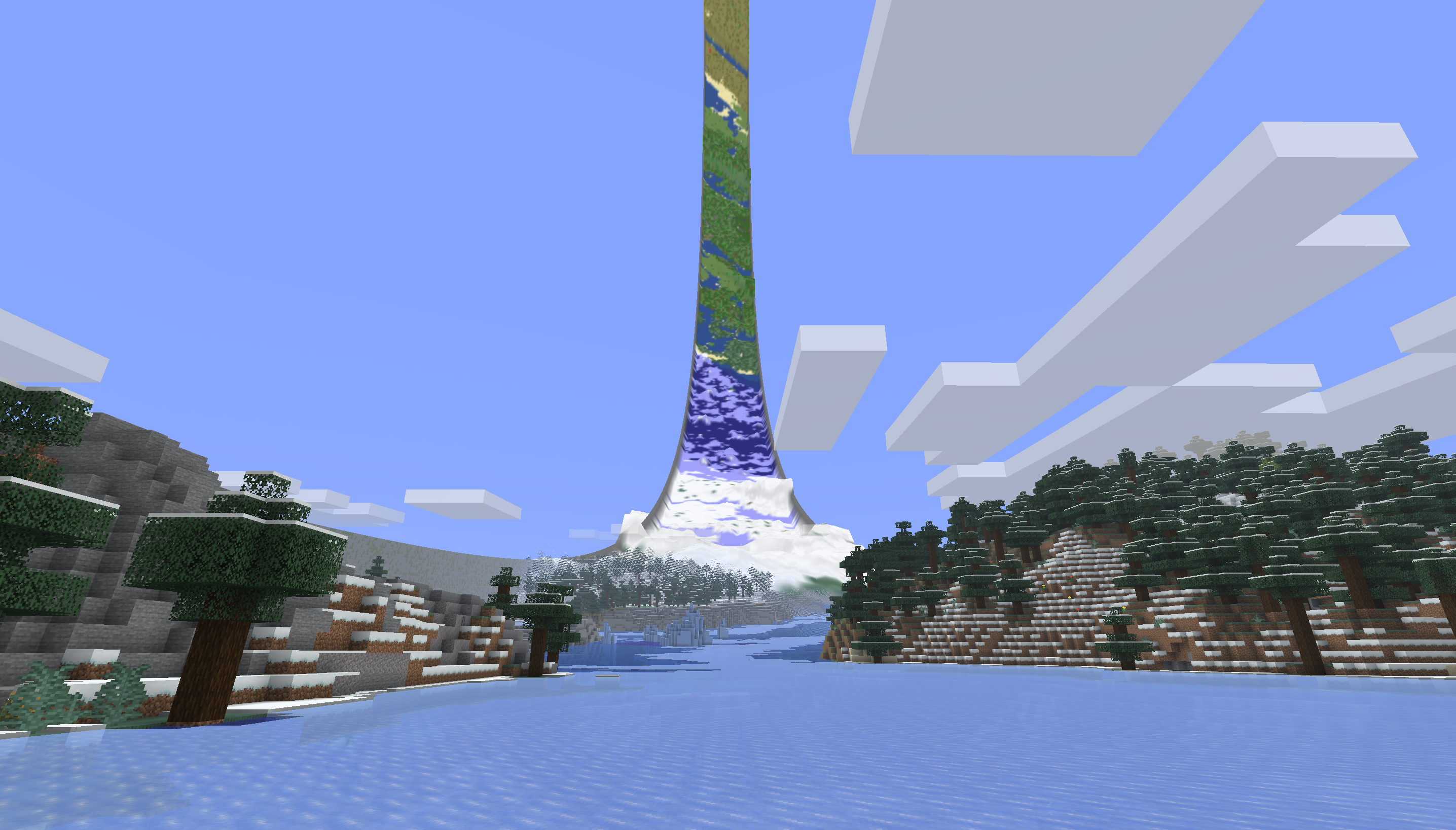
The join
The first and last chunks are neighbours.
There is one Overworld, not a duplicate lap hidden behind a border. Cross the join and you keep moving normally. Your view, speed and vehicle carry through with you.
The join works for the rest of the game too. Players can see and fight across it. Mobs can follow targets through it. Blocks, fluids, redstone, projectiles, maps and portals use the same loop.
- Circumference
- Loops back to its first block
- Width
- Ends at breakable cobble-and-moss walls
- Other dimensions
- The Nether and End remain ordinary Minecraft
World size
Pick how tight you want the curve.
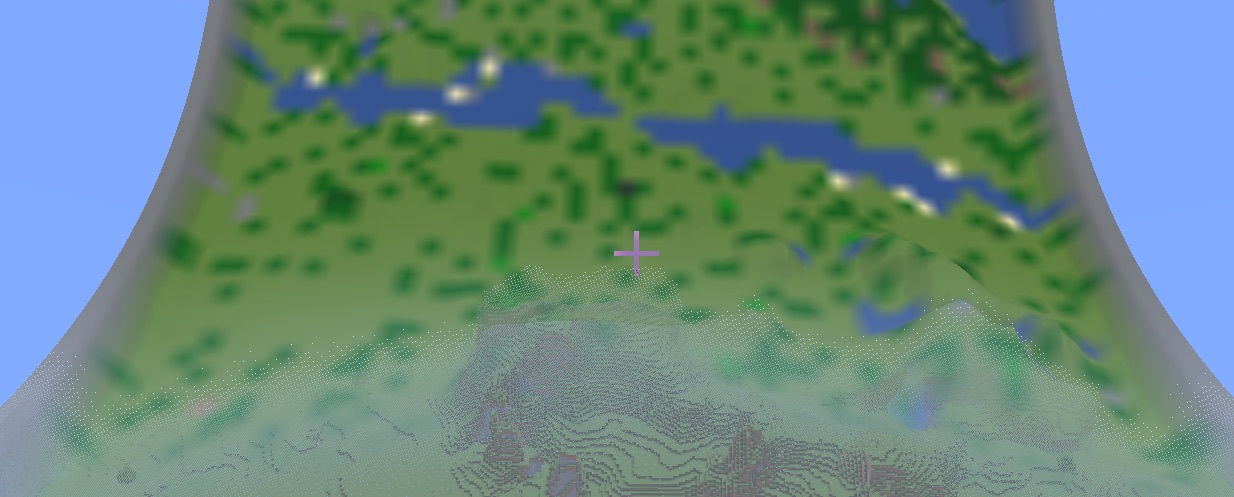
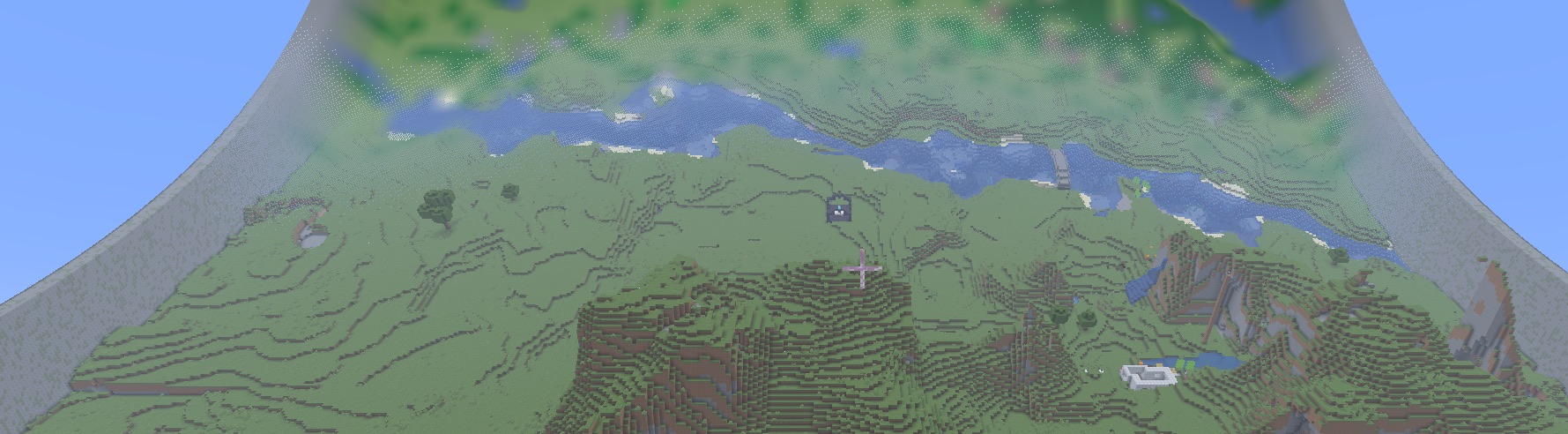
On a small ring, the ground rises sharply in front of you and the far side hangs close overhead. A larger circumference feels flatter underfoot and leaves much more country to explore.
The Medium preset is the best-tested starting point: 16,384 blocks around and 256 blocks wide. Small is 2,048 × 128 for a dramatic, narrow loop. Large is 32,768 × 512 and needs considerably more time and disk space.
When creating a world, click RingWorld C×W in the bottom-left corner, then choose a preset or enter your own dimensions. The size is permanent once that Overworld has been created.
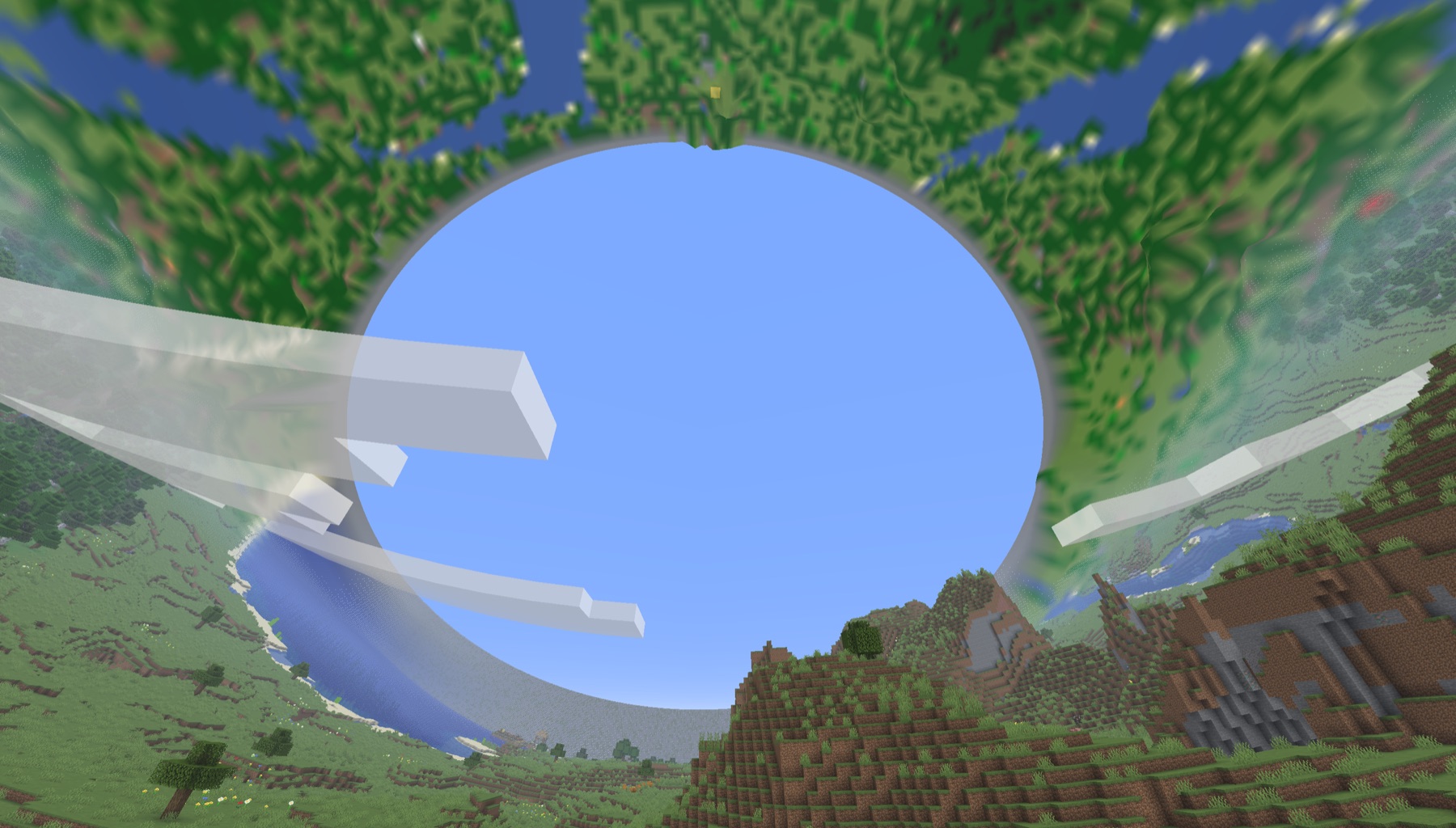
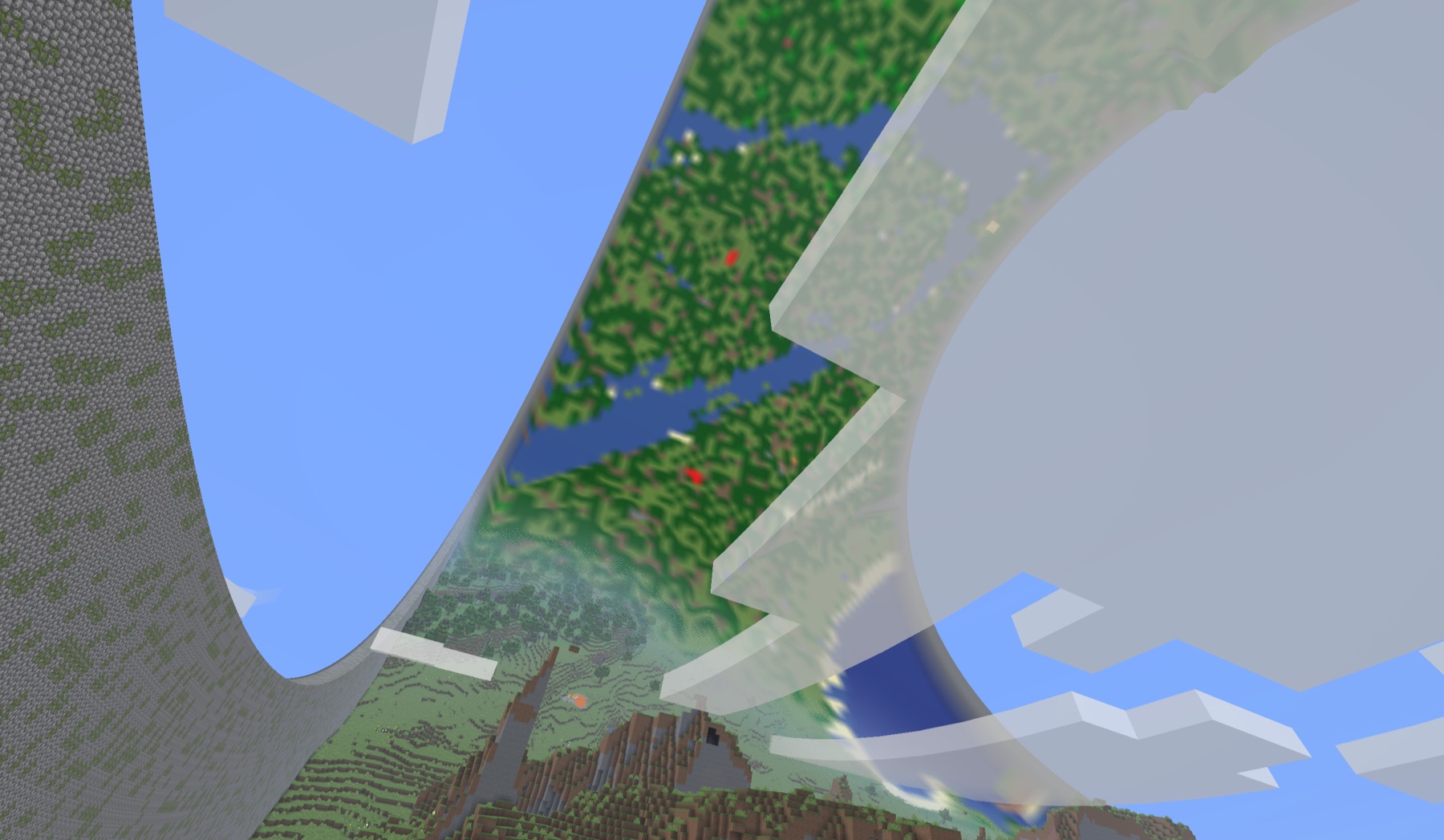
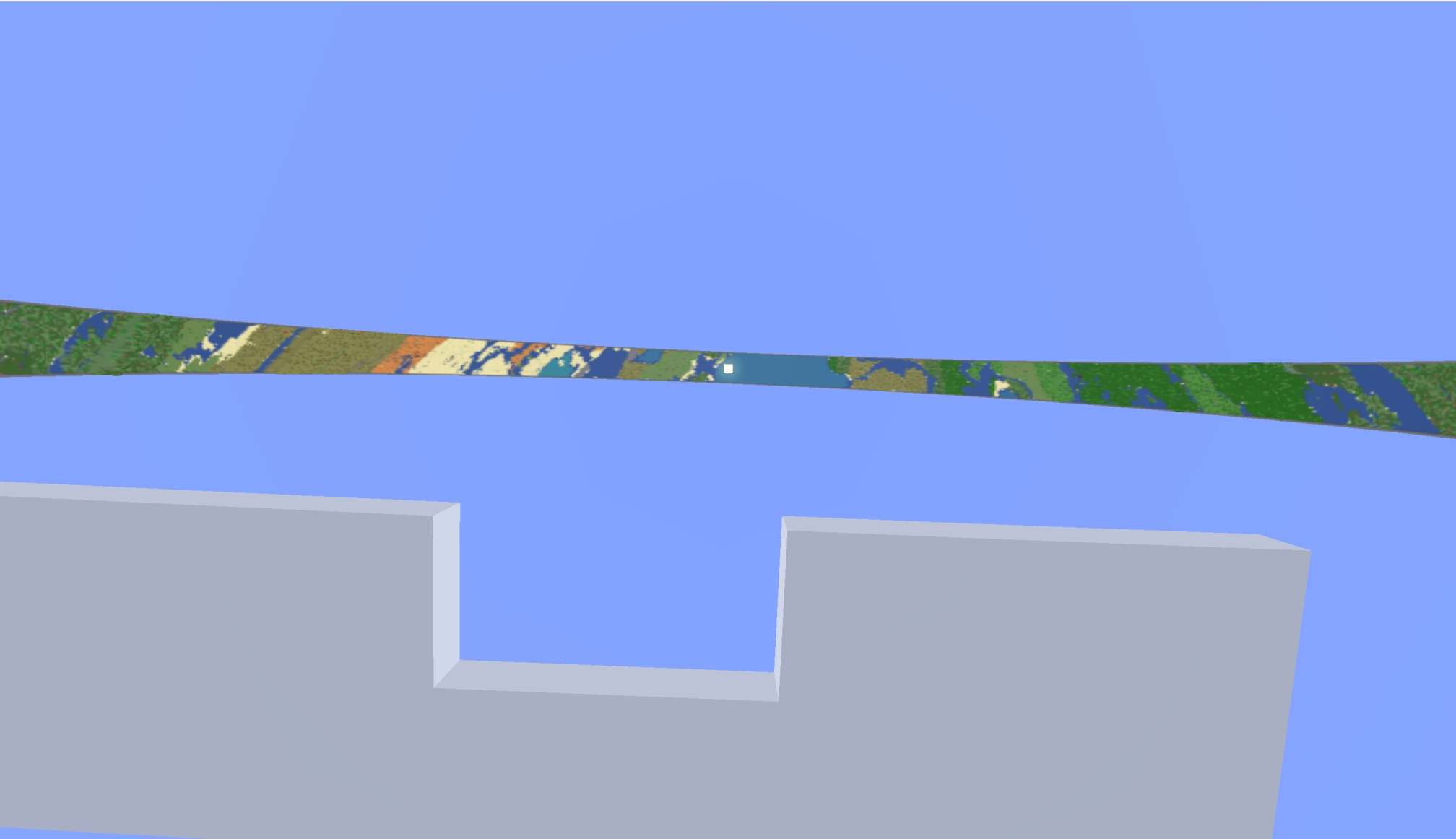
Beyond render distance
The distant ring catches up in the background.
You can start playing as soon as the world opens. Nearby chunks are normal Minecraft terrain. Meanwhile, the server prepares a lightweight record of the surface so the rest of the ring can appear in the sky.
- You spawn in real terrain. Blocks, mobs, lighting and collision work normally from the start.
- A temporary ring fills the distance. It uses fog and colours from the terrain already seen, so the horizon is not left empty.
- New sections replace it as they are ready. Progress is saved and can continue after a restart.
- At 100%, the detailed surface takes over. The temporary fog and placeholder disappear.
Ring Atlas Generating: X% stays in the top-left corner while this runs. The RingWorld Map in the pause menu shows the live rate and estimated time. A Small ring may finish quickly; Medium and Large rings can take tens of minutes or longer depending on the computer, server load, seed and other mods.